
Briick for Property & Construciton
The best-performing AI system for property & construction.
Drive higher revenue and eliminate operational friction. Briick connects your CRM, workflows, and agents into a single voice-controlled engine.
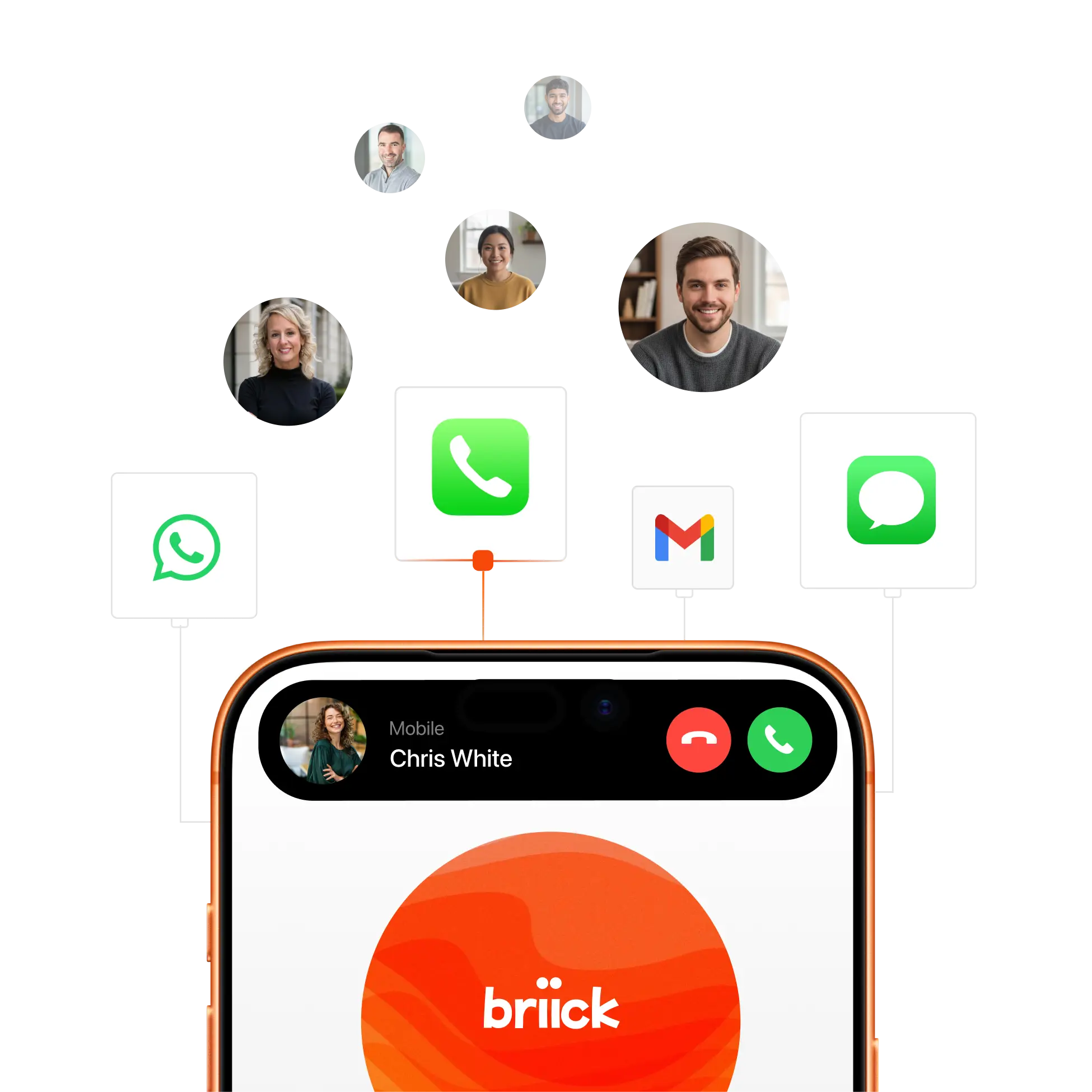
Maximize your margins. Automate your coordination. Every manual step in your workflow is a leak in your profit margin. Briick acts as your 24/7 autonomous operations engine, hunting and qualifying leads, generating documentation on the go, and resolving service issues across all channels.

Instant lead qualification & meeting booking. Answers your calls and handle customer enquires, Gets in touch with new prospetcs to lock in the booking, send reminders, and drop it straight into your calendar. Ensuring every "walk-in" or form submission is captured and moved to the next stage of the funnel immediately.

On-the-Go documentation & CRM control. Generate professional documentation using only your voice. Record meeting summaries, update project milestones, or log property notes while you move. Briick structures the data and triggers workflows across 1,000+ tools in one step.
24/7 service & issue resolution. Automate your coordination 24/7. Briick resolves common questions across all messaging channels. It follows your specific rules and escalates only when a human decision is needed.
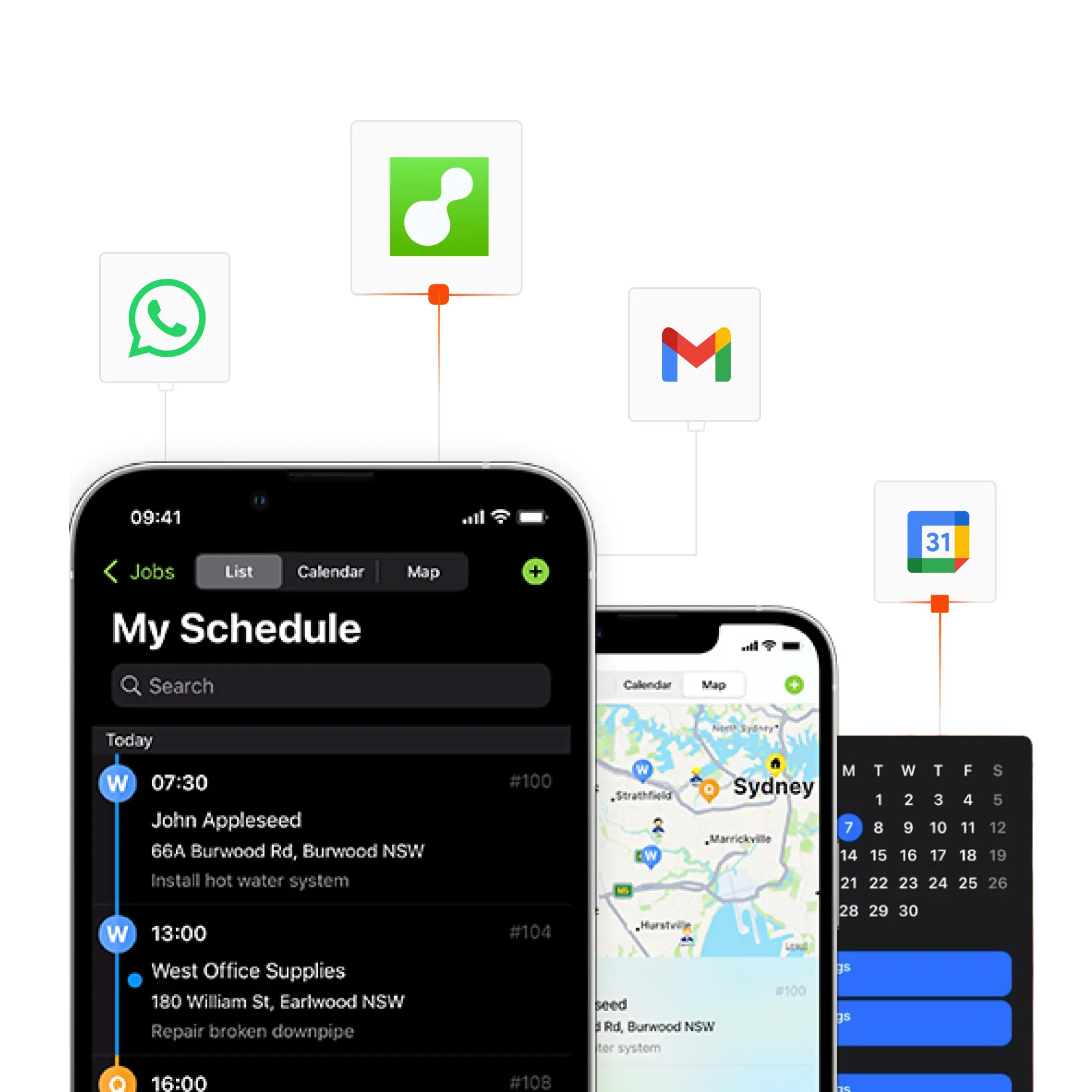
Unified voice control of your entire operation. Take total control via a single voice interface. Briick acts as the master layer for your CRM, calendar, and project tools. Pull client history, check schedules, or set reminders on the fly without ever opening an app.
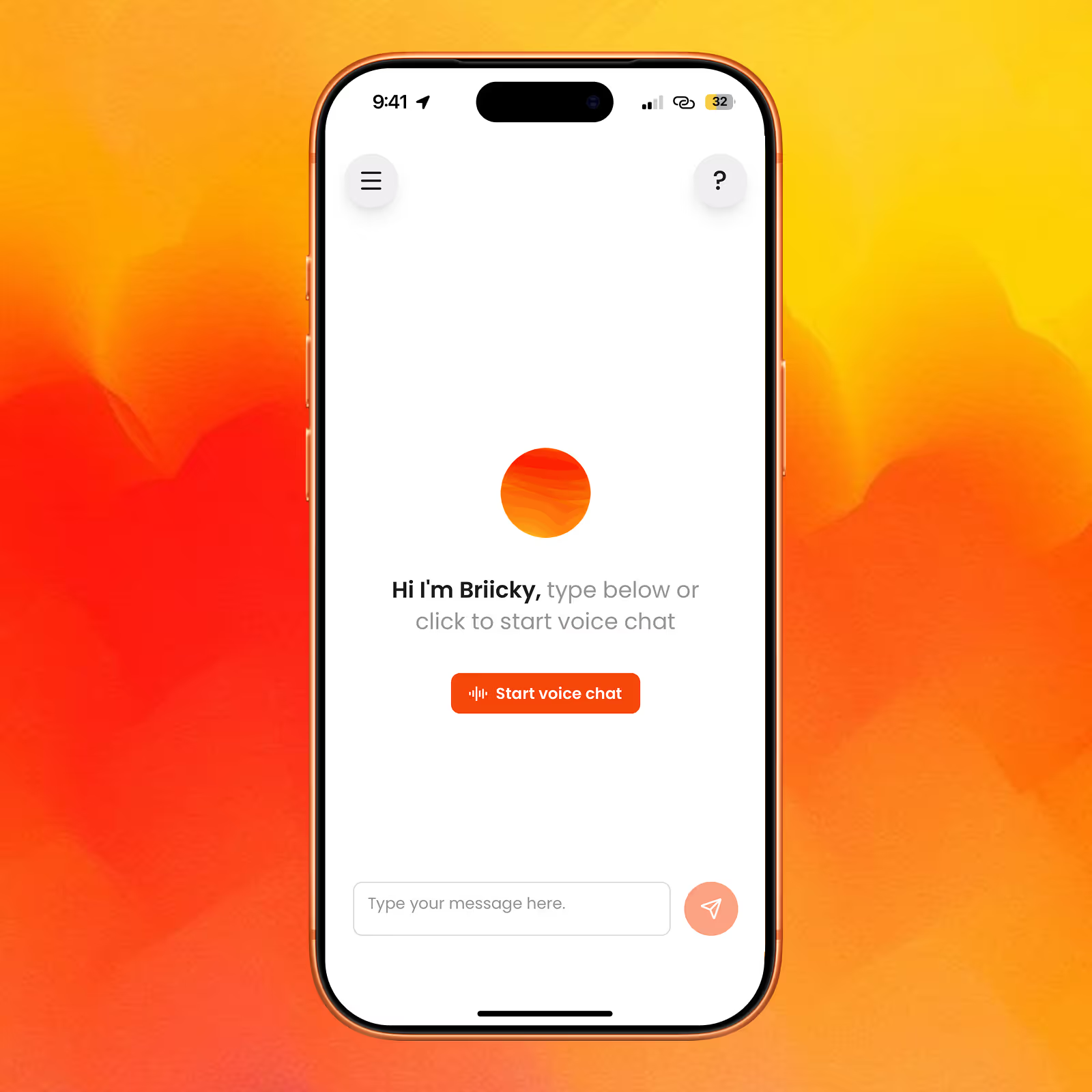
Voice-first dashboard
Talk to your data to get insights, reports, and control all your AI agents and automations by voice.
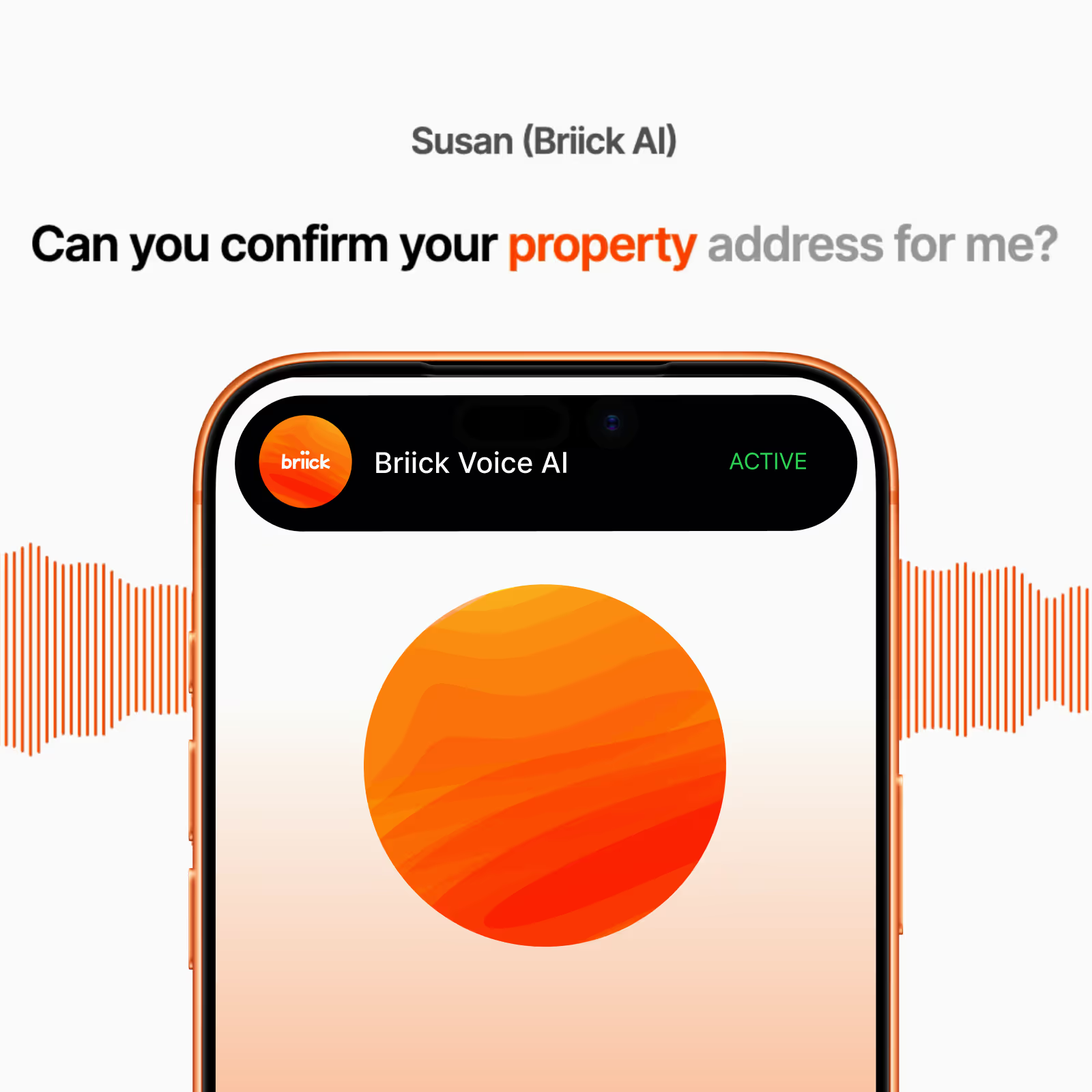
Inbound Voice AI
Handles calls, qualifies leads, and supports customers 24/7.
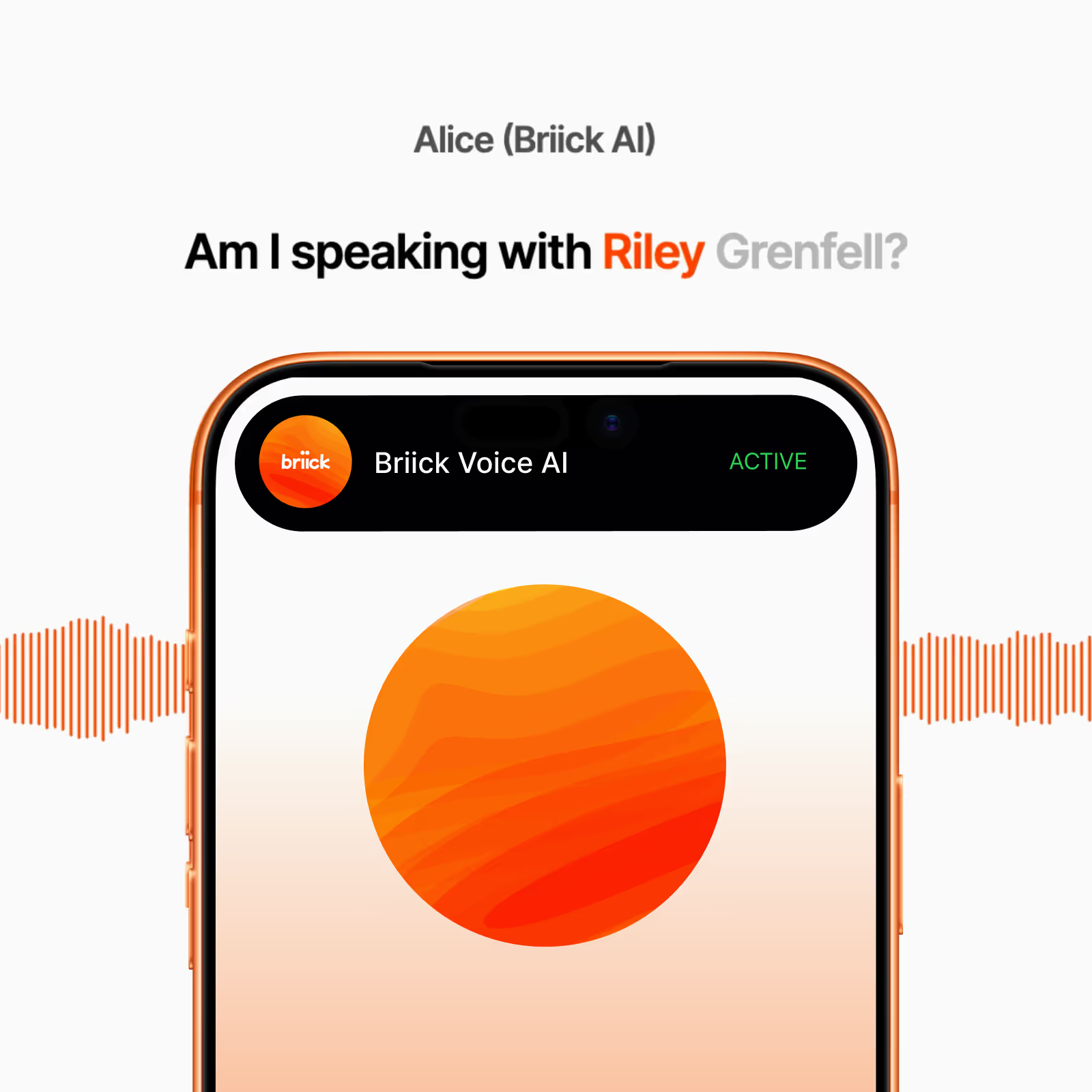
Outbound Voice AI
Calls leads, makes follow-up calls, and books appointments.
WhatsApp AI handles voice, text, and image messages - so you don’t have to.
SMS AI handles messages, qualifies leads, books and reschedules for you - on autopilot.
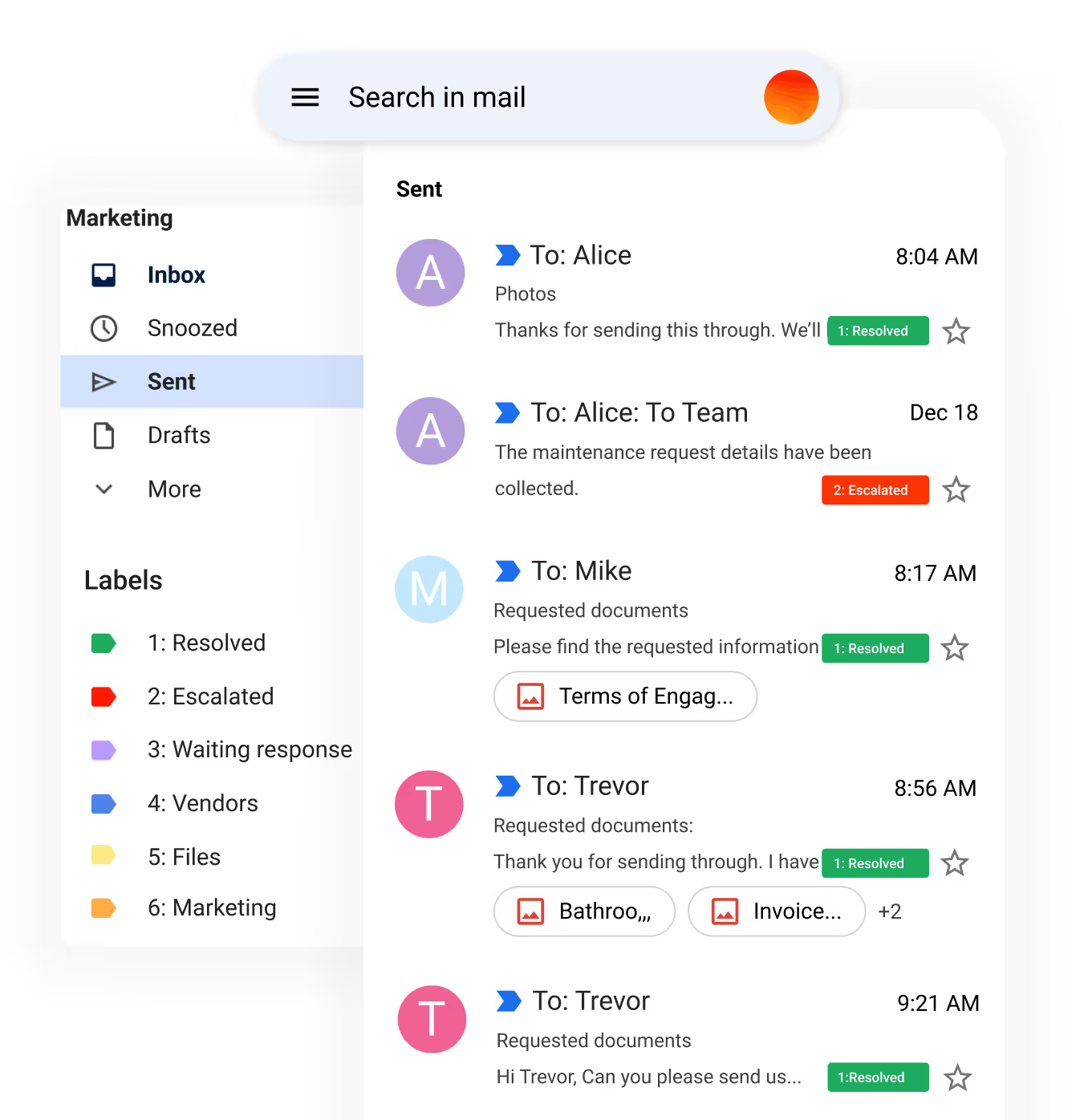
Email AI handles repetitive customer service and lead emails, escalating to a human only when required.
Listen to Live Calls. Voice AI answers calls, books jobs, handles maintenance, and logs every detail in your CRM.
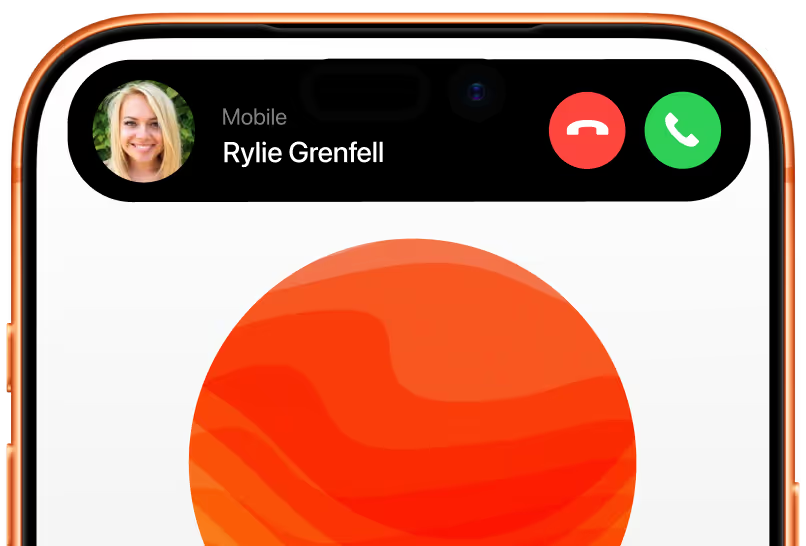
Outbound Call to Rylie Grenfell.
Briick AI’s generated voice handles outbound calls to schedule jobs and service appointments.

How it works. Getting Started with Briick AI.
We configure AI automations that follow your unique processes and policies.
Step 1
Discover
We learn about your unique workflows, systems, and challenges.
Step 2
Configure
We work with you to configure AI automations that follow your unique processes and policies, and integrate seamlessly with your existing systems.
Step 3
Launch
We handle the setup and activate your AI automations. You get access to Briicky, the voice-first dashboard that lets you manage all your AI agents by simply speaking.
Step 4
Optimise
We continuously refine performance based on real-world results and feedback.
FAQ. Answers to common questions abotu Briick for Property.
Built for the property industry, Briick is a conversational AI system that automates all repetitive customer communication across Voice, WhatsApp, SMS, and Email.
Yes, Briick is built for easy integration with existing systems, enhancing functionality without disrupting your current setup.
Absolutely. Briick is designed with user-friendliness in mind. For your team, there is no new system to learn or integrate into your business.
Most teams are live in under 4 week. We take care of the entire setup, so there’s nothing technical for you to worry about. Once live, your AI automations start managing tasks and optimising workflows immediately, learning from every interaction. Our team continuously refines performance based on your feedback — ensuring Briick keeps getting smarter every day.
Yes. Briick supports multi-language and is fluent in 32 languages.
Briick learns from every interaction, continually improving to serve you, your team and your customers better.