
Briick for B2B
The unified operating system for B2B growth.
Connect your CRM, communication channels, and workflows into one voice-controlled engine.
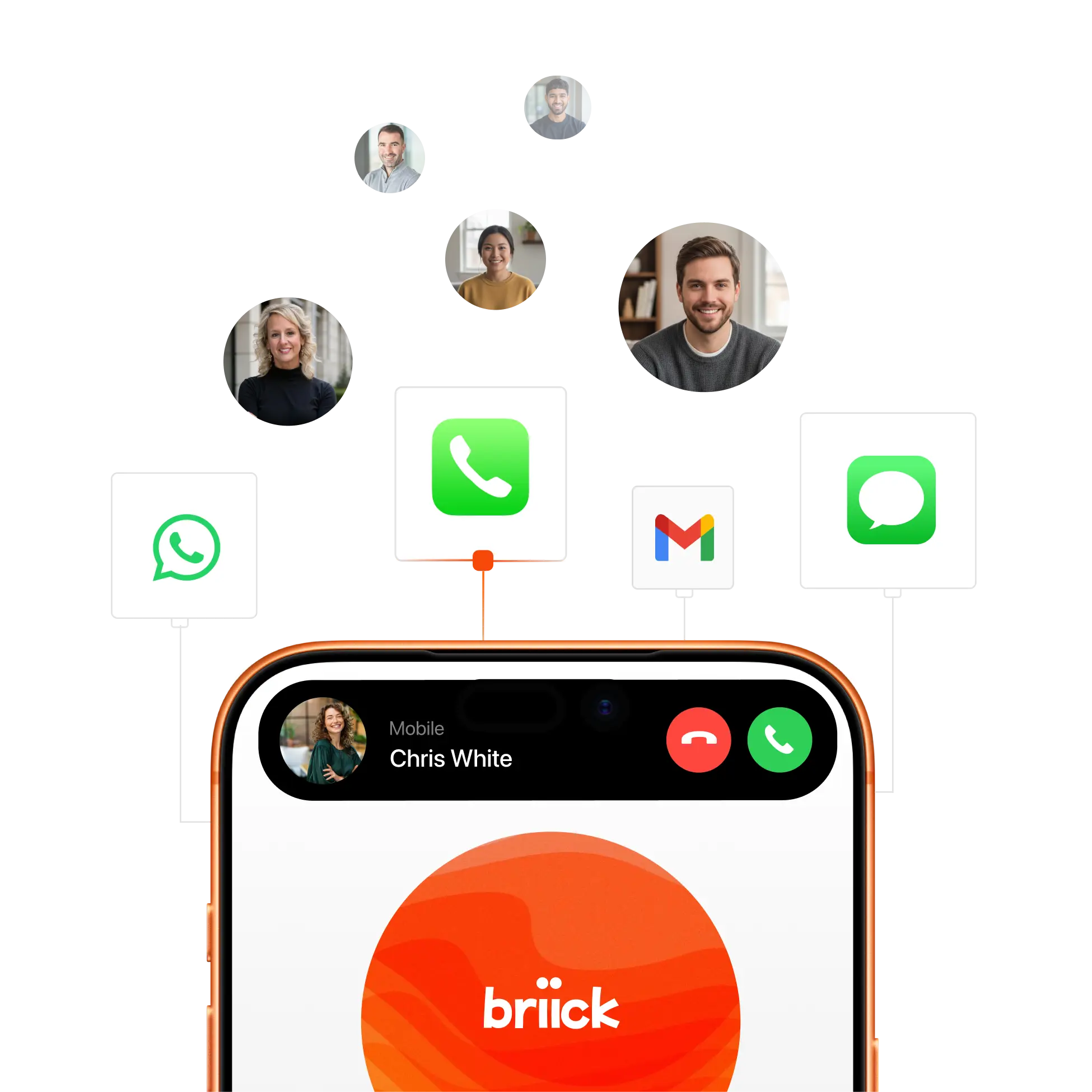
Missed calls cost you money. Immediate responses to service requests, AI-booked jobs, and customer nurturing workflows.

Autonomous lead sourcing & outreach. Briick "hunts" the web for high-intent B2B leads and launches outreach via Phone, WhatsApp, SMS, and Email. Whether you use Salesforce, HubSpot, GoHighLevel, or any of our 1,000+ integrations, Briick syncs every lead directly into your CRM.

Proactive B2B Customer Service. Briick handles technical FAQs, order/project updates, and routine service requests 24/7 across WhatsApp, phone, email and SMS. It follows your specific business rules and only escalates to your team when a human expert is needed.
Voice-Activated Pipeline Management. Eliminate manual data entry and get instant visibility into your business. Update deal stages, log call notes, and set follow-up tasks across 1,000+ tools using only your voice.
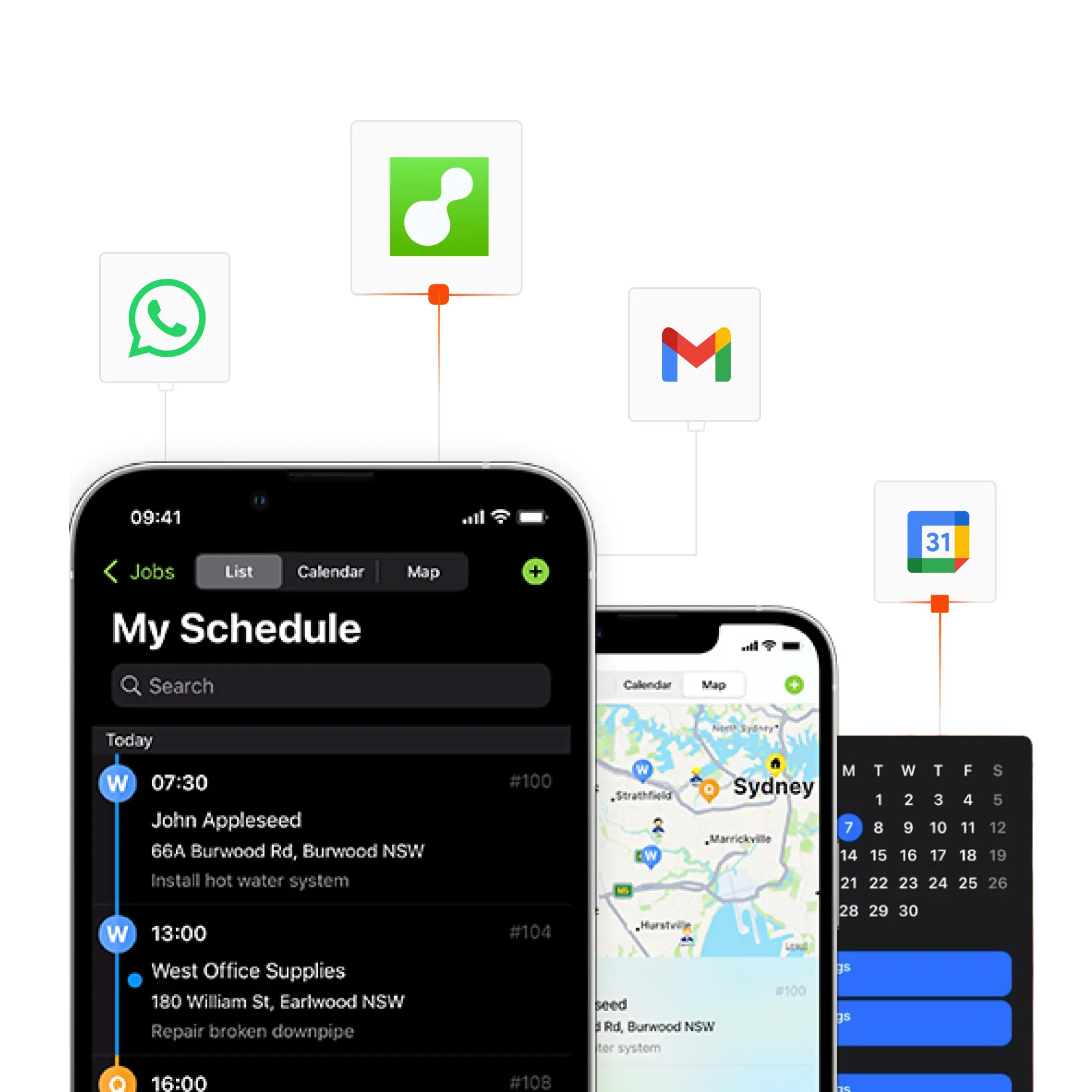
Intelligent "Warm" Handoffs. Whether it's a new lead or a support issue, Briicky qualifies the intent and seamlessly hands the conversation to your team with a full summary of the interaction history.
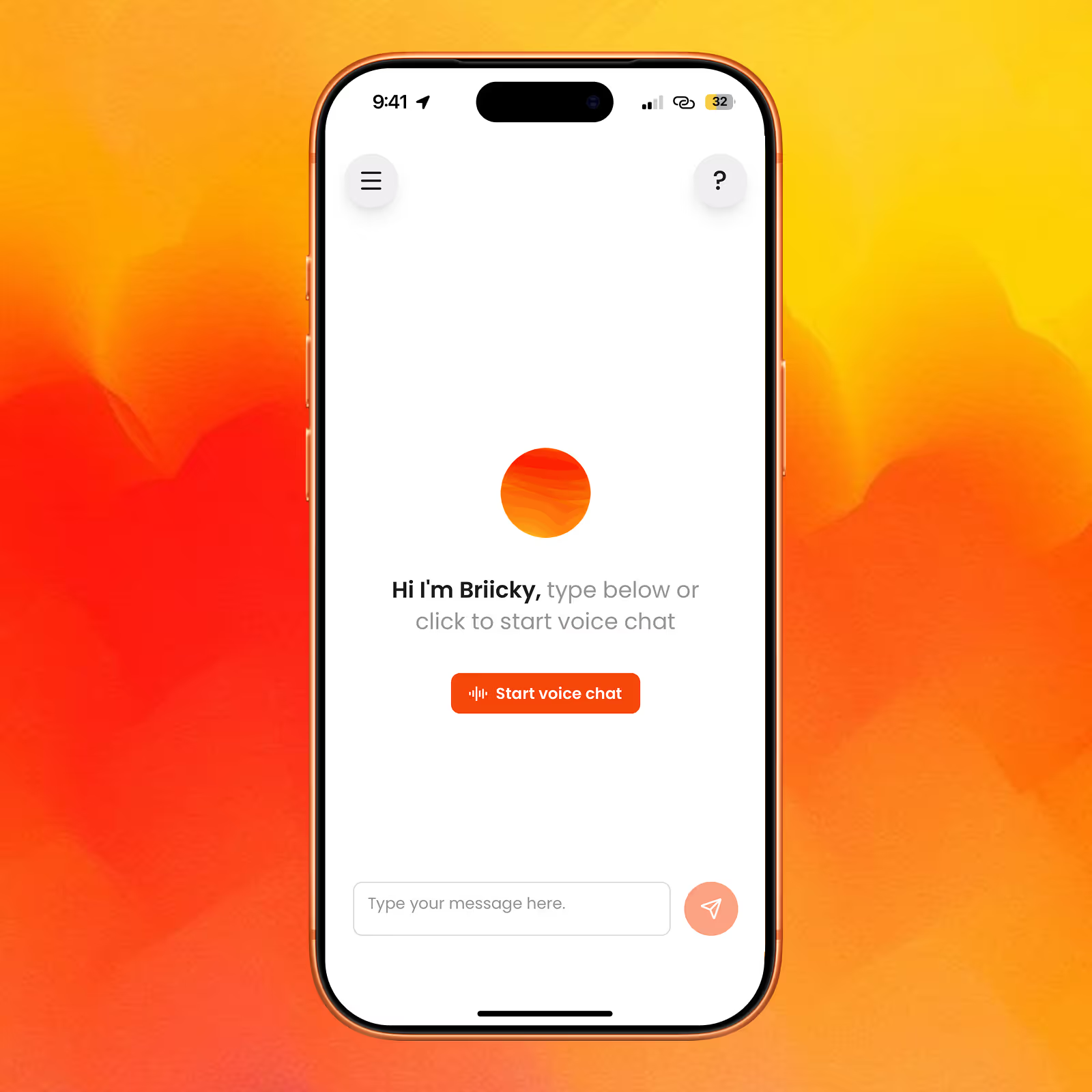
Voice-first dashboard
Talk to your data to get insights, reports, and control all your AI agents and automations by voice.
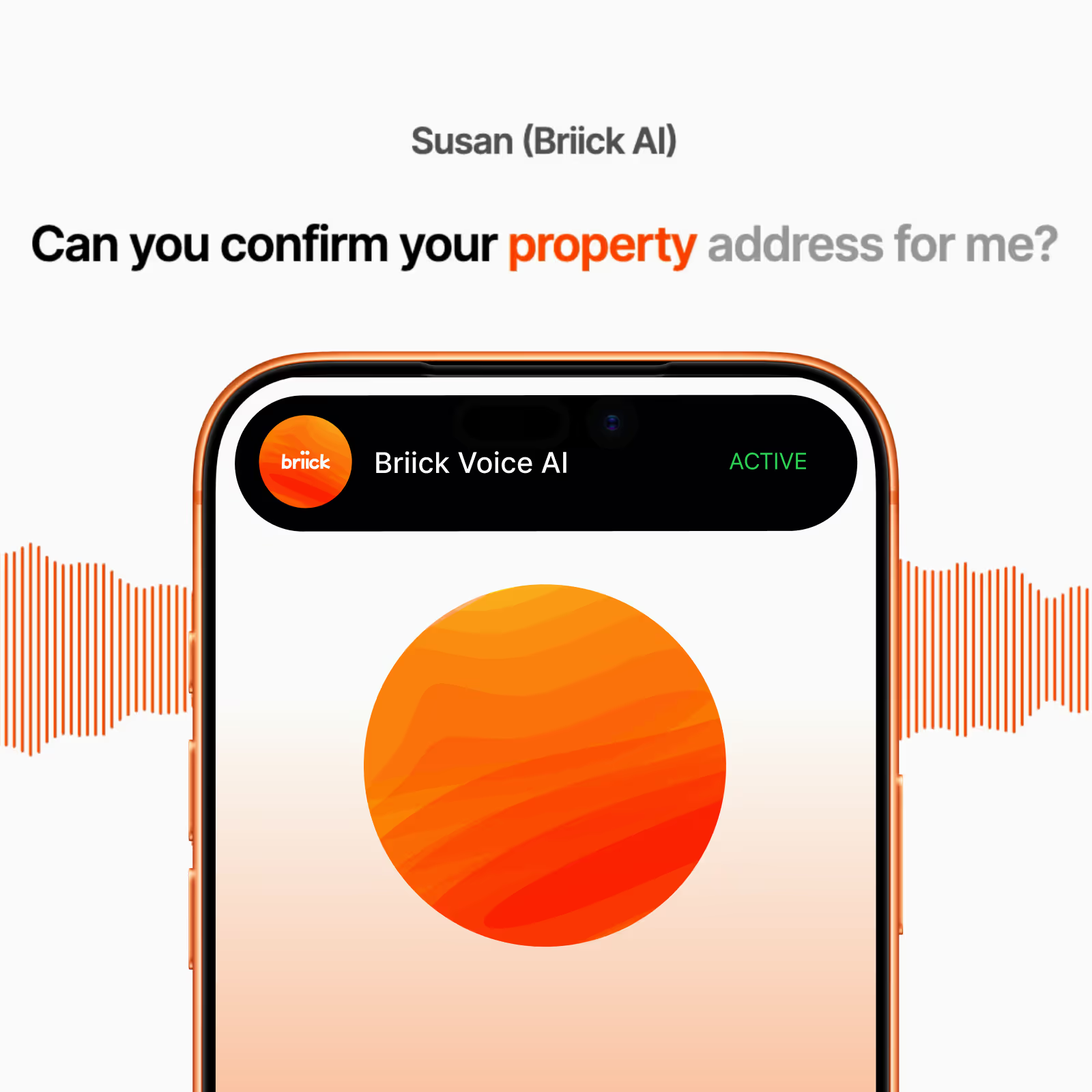
Inbound Voice AI
Handles calls, qualifies leads, and supports customers 24/7.
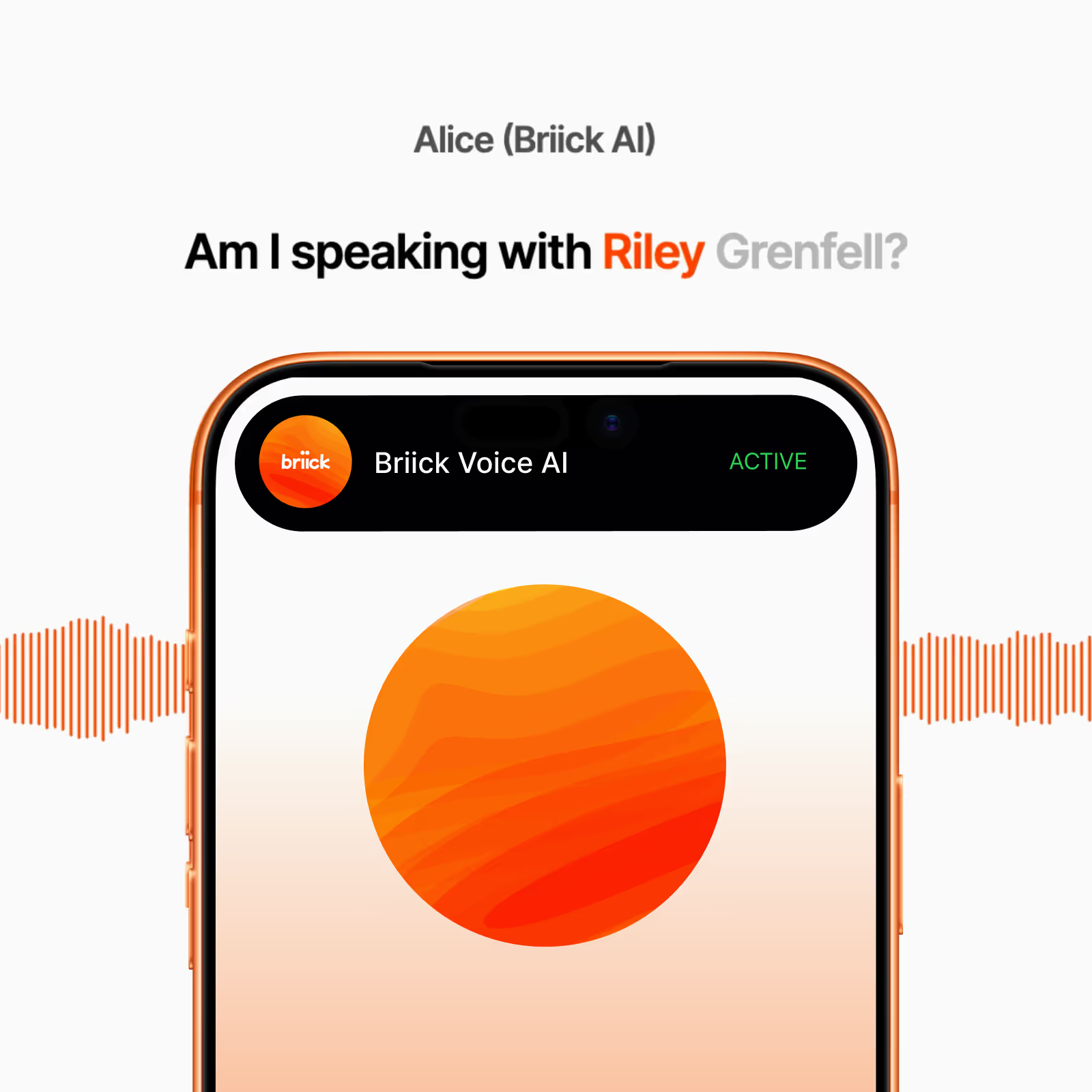
Outbound Voice AI
Calls leads, makes follow-up calls, and books appointments.
WhatsApp AI handles voice, text, and image messages - so you don’t have to.
SMS AI handles messages, qualifies leads, books and reschedules for you - on autopilot.
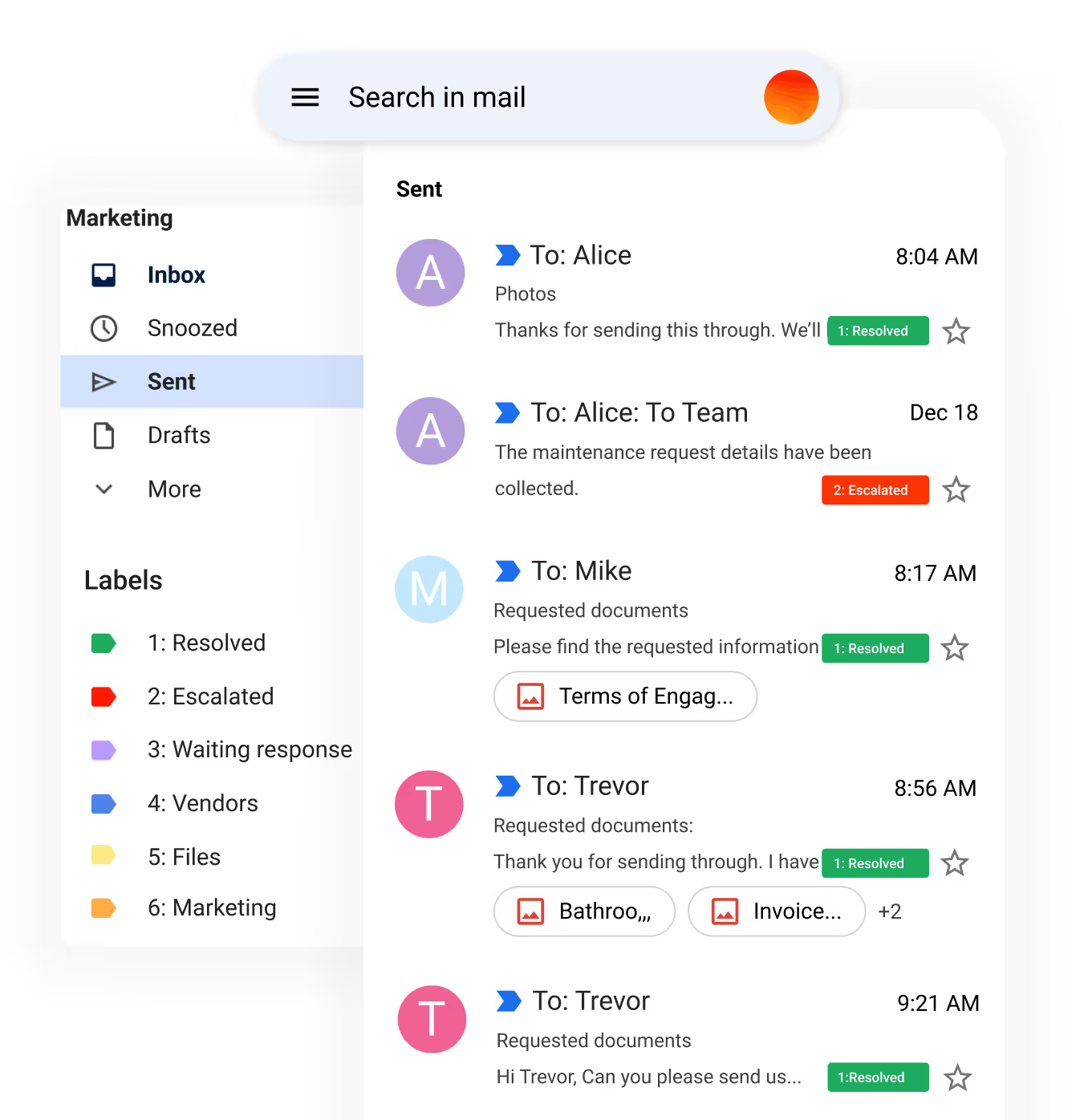
Email AI handles repetitive customer service and lead emails, escalating to a human only when required.
Listen to Live Calls. Voice AI answers calls, books jobs, handles maintenance, and logs every detail in your CRM.
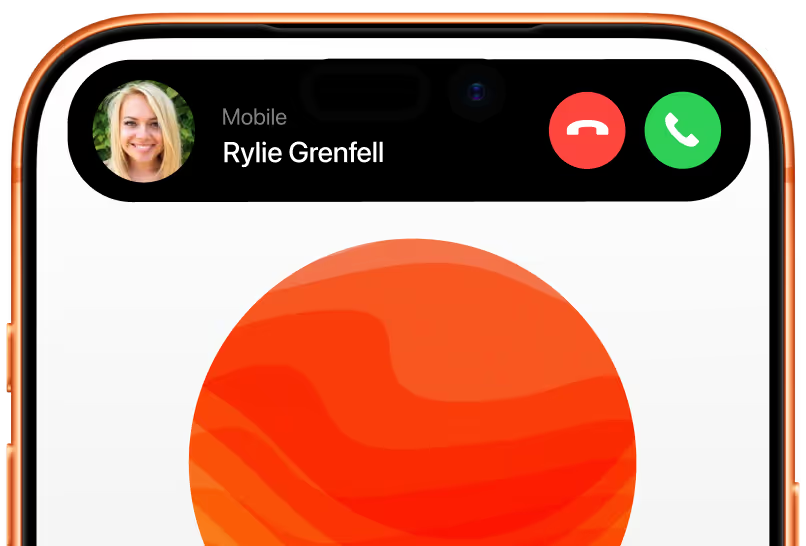
Outbound Call to Rylie Grenfell.
Briick AI’s generated voice handles outbound calls to schedule jobs and service appointments.

How it works. Getting Started with Briick AI.
We configure AI automations that follow your unique processes and policies.
Step 1
Discover
We learn about your unique workflows, systems, and challenges.
Step 2
Configure
We work with you to configure AI automations that follow your unique processes and policies, and integrate seamlessly with your existing systems.
Step 3
Launch
We handle the setup and activate your AI automations. You get access to Briicky, the voice-first dashboard that lets you manage all your AI agents by simply speaking.
Step 4
Optimise
We continuously refine performance based on real-world results and feedback.
FAQ. Answers to common questions about Briick for B2B.
Built for the property industry, Briick is a conversational AI system that automates all repetitive customer communication across Voice, WhatsApp, SMS, and Email.
Yes, Briick is built for easy integration with existing systems, enhancing functionality without disrupting your current setup.
Absolutely. Briick is designed with user-friendliness in mind. For your team, there is no new system to learn or integrate into your business.
Most teams are live in under 4 week. We take care of the entire setup, so there’s nothing technical for you to worry about. Once live, your AI automations start managing tasks and optimising workflows immediately, learning from every interaction. Our team continuously refines performance based on your feedback — ensuring Briick keeps getting smarter every day.
Yes. Briick supports multi-language and is fluent in 32 languages.
Briick learns from every interaction, continually improving to serve you, your team and your customers better.